MICROSTAR + SYSTEM MANUAL • page 7 of 21
Simplex, Inc., 270 Riverside Parkway Suite G Austell, GA 30168 • 678-214-6575 • Fax 678-214-6670
Printed in the USA. • www.simplexdirect.com
Every 50 Hours or 6 Months - Check the tightness of the electrical connections. The expansion and
contraction caused by load bank operation may result in loose connections. The vibrations caused by the
cooling fan may also loosen electrical connections. If the load bank is transported “over the road”, the
electrical connection should be checked for tightness at ta shorter-than normal time interval. See “Primary
Inspection”.
TROUBLESHOOTING
This section is designed to aid the electrical technician in basic load bank system troubleshooting. All of the
problems listed can be verified with a basic test meter and/or continuity tester. For safety reason, when
troubleshooting load banks system always remove power, fan/control power, etc.
Cooling Fan Motor Will Not Operate
1. Fan/Control power not available/incorrect
2. Inoperative fan motor
3. Fan switch is “Off” or not functioning
4. Restriction of air (intake or exhaust)
Cooling Failure Indicated
Element chamber temperature has exceeded 175˚F:
1. Over temperature sensor failure
2. Fan failure
3. Air Restriction (intake or exhaust)
4. Overvoltage condition present
Some Load Steps Cannot Be Energized
1. Open load step resistor(s)
2. Inoperative load step switches
3. Inoperative load step contactors
4. Open load step fuses
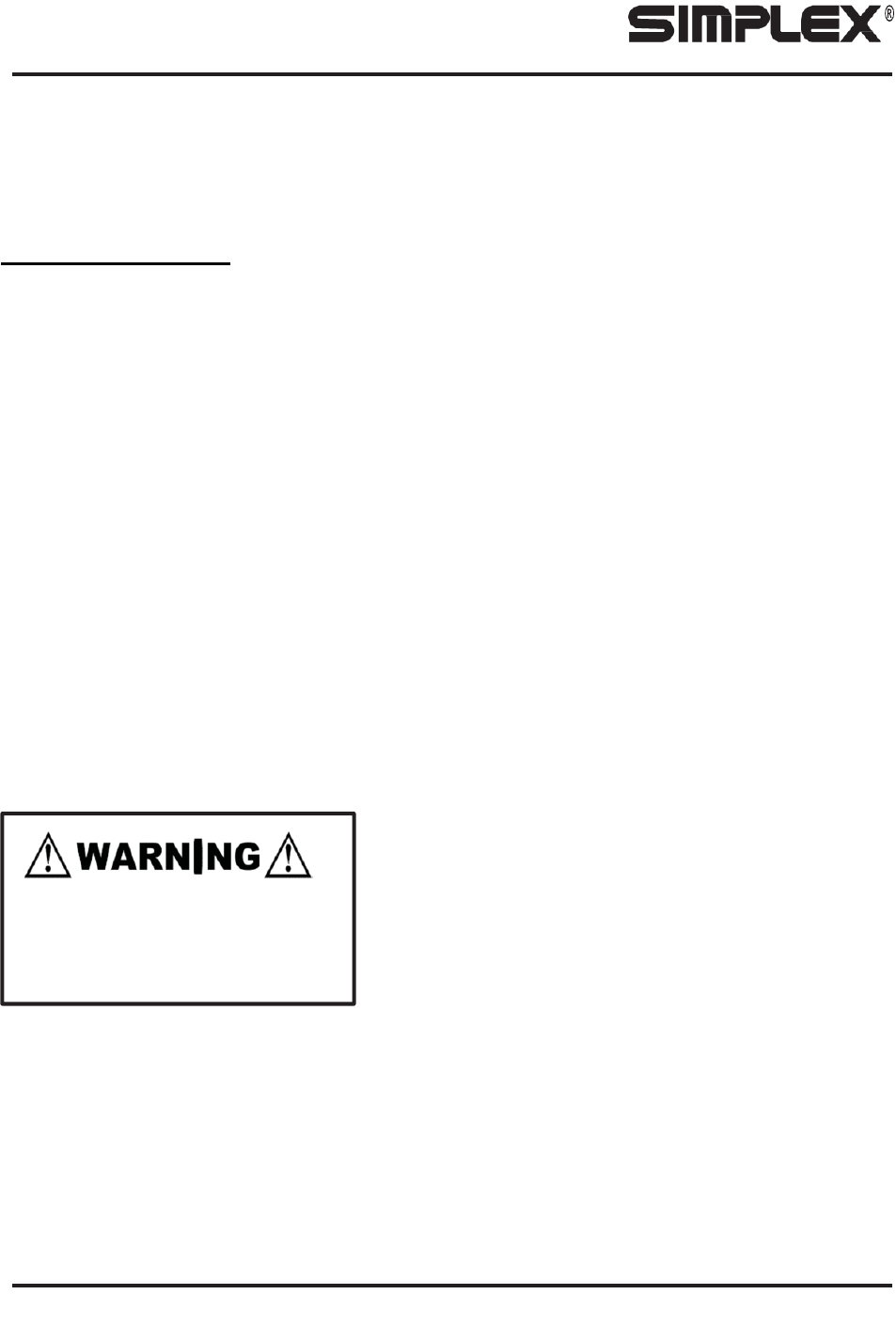
When Troubleshooting Load Bank
systems always remove all test
source power, fan/control power, etc.
Komentáře k této Příručce